The Ambrosia Guide / 0.1.0 PDF Manual ↗
Your First Presentation
Ambrosia builds on Touying and Typst’s ordinary markup. You need Typst 0.15+; the package imports Touying 0.8.0 itself.
Start In Your Editor
Use the template on Typst Universe in the browser, or initialize a project with the CLI:
typst init @preview/touying-ambrosia:0.1.0 my-slides
Open template.typ in your editor and start its preview. The starter includes
Ambrosia’s project logo and a bibliography. Edit its metadata and the flavor
and palette values near the top. No command-line options are needed to try a
different design.
To start without branding, create a new Typst file with this complete example:
#import "@preview/touying-ambrosia:0.1.0": *
#show: ambrosia-theme.with(
  flavor: "minimal", palette: "ocean",
  config-info(
    title: [From Idea To Evidence],
    subtitle: [A Clear Question, A Useful Result],
    author: [Alex Researcher],
  ),
)
#title-slide()
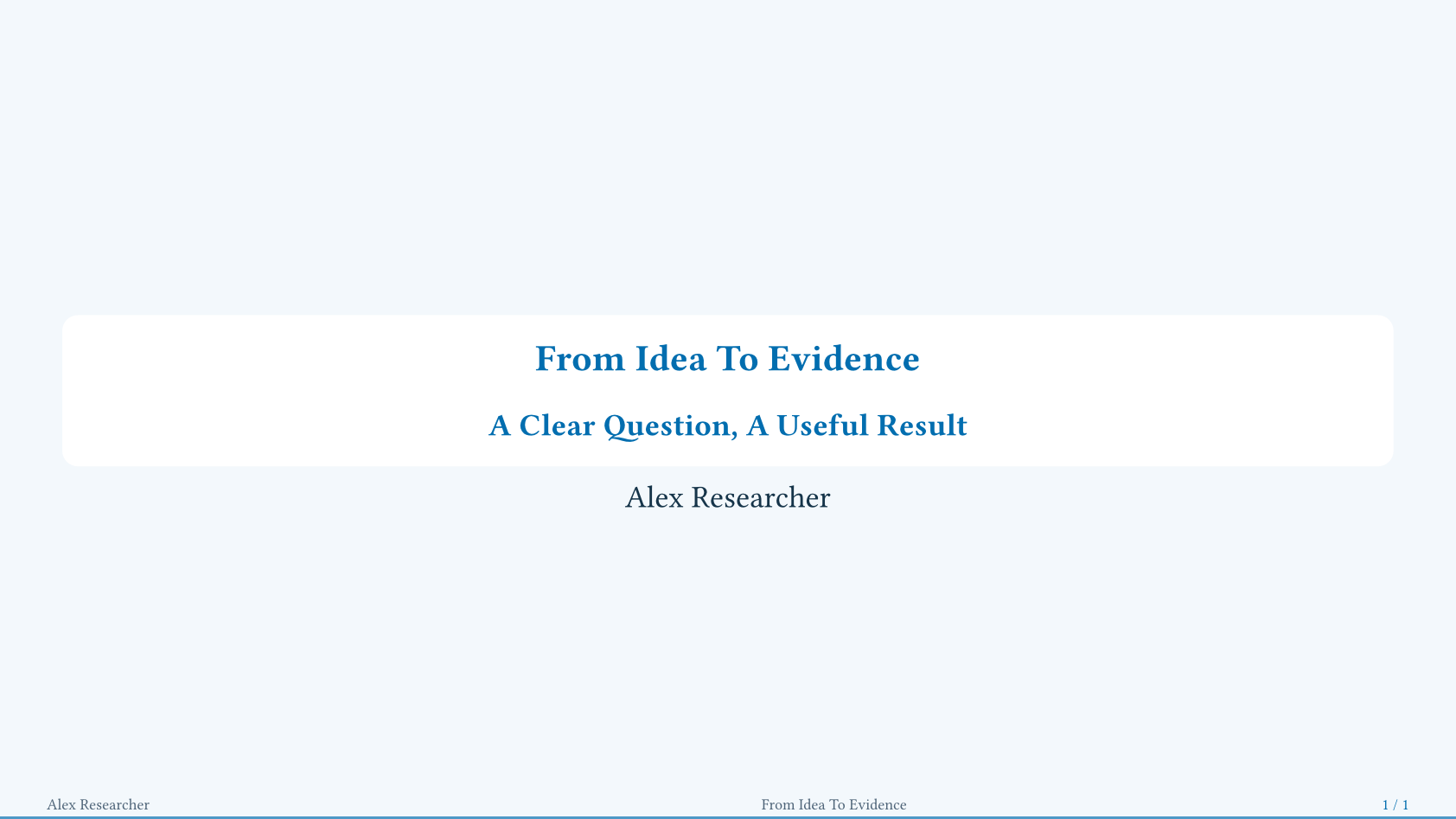
Copy the snippet or download its complete source to try it in your editor. Click any preview to enlarge it without leaving the guide.
Add Content And Reveals
Level-one headings (=) begin sections. Most flavors use level-two headings
(==) for slides; Cambridge uses level three (===). #slide(...) works in
every flavor and is useful when you want explicit control.
#slide(title: [One Claim, Then Its Evidence])[
  Begin with the question.
  #pause
  Add the evidence when you are ready.
]
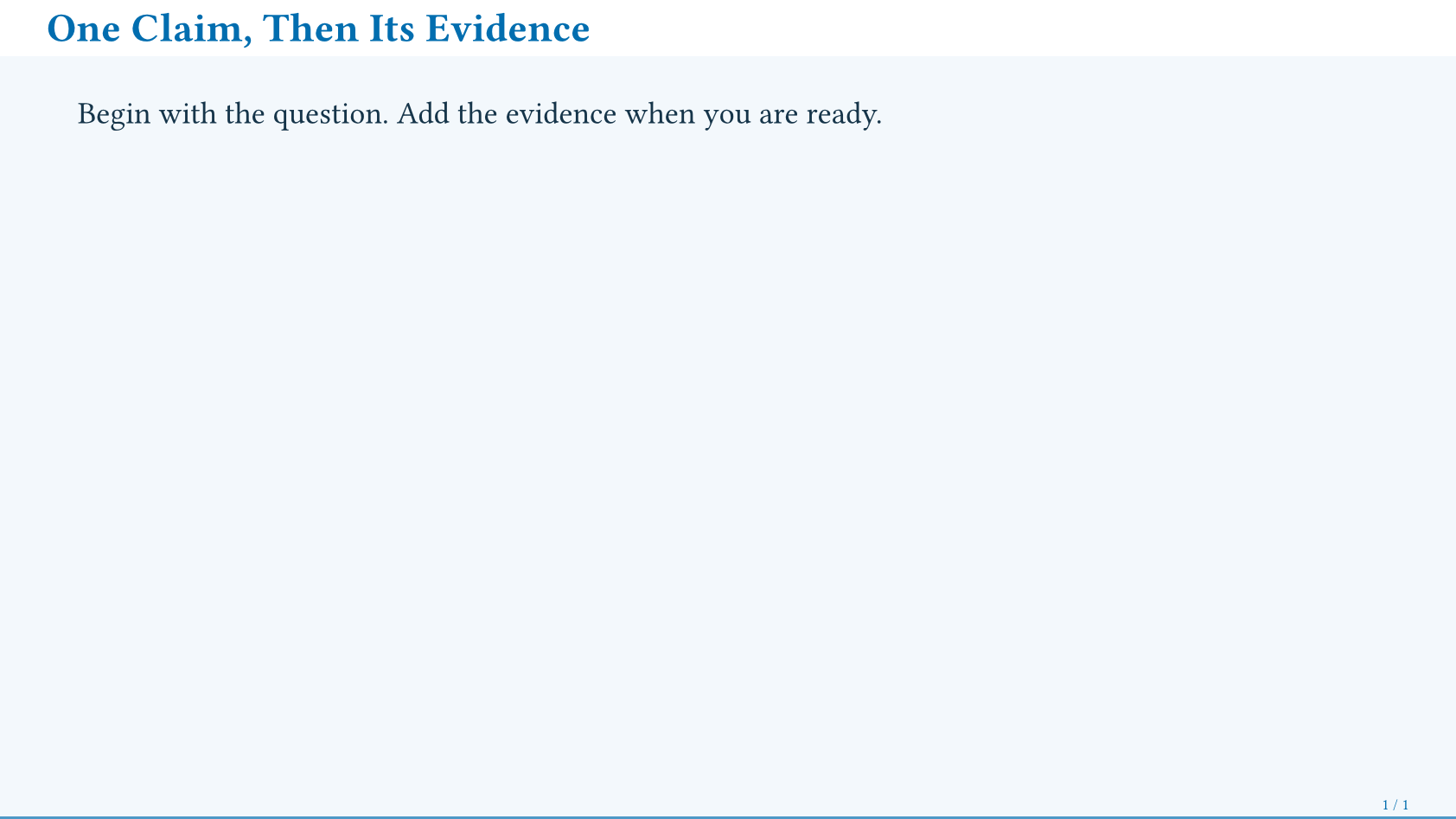
Each #pause adds an animation frame. The output above shows the final frame.
Two positional slide bodies make two columns; native grid, figure, and
table also work inside a slide.
Close The Talk And Keep Backup Material
#ending-slide(title: [Questions?])[]

#show: appendix
== Supporting Evidence
Additional detail, without increasing the main slide total.
Appendix numbering defaults to Roman numerals. People and footer settings describe other numbering policies and short labels for dense footers.
Continue with configuration, compare the flavors and palettes, or browse the public API. The concise PDF manual remains available for offline reading.