Worked Examples
Compare exact source excerpts with real Typst output. Each example includes its complete editable source.
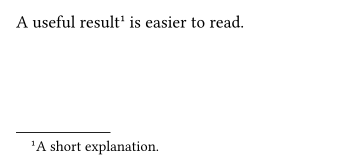
A Native Footnote
A single content argument creates a solo mark and its explanation. Native flow reserves the footer slot.
Setup Required
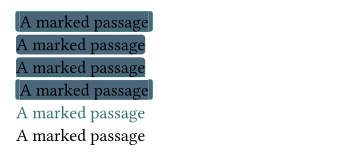
Choose An Inline Mark
Decoration changes the passage without adding a note body. These anonymous marks have no number.
Setup Required
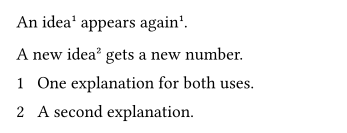
One Body, Several Passages
Reuse keeps the original number and body; the next original advances the counter. The printer chooses the body position.
Setup Required
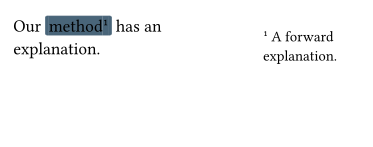
Declare The Body First
Forward lookup resolves identity. An overlay margin follows the original even when its body was declared earlier.
Setup Required
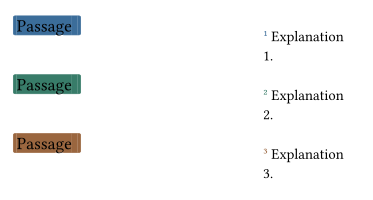
Cycle Annotation Colors
Each original takes one accent. Shared marks retain it and explicit component styles can override it.
Setup Required
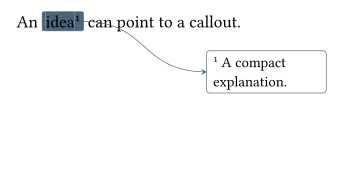
A Callout With An Arrow
The mark and body use one wrapper. Placement offsets belong to the body; the connector has its own route and head.
Setup Required
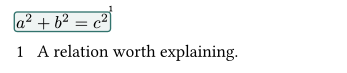
Highlight A Formula
A region wrapper measures the actual content. Mark and body layers can be selected independently.
Setup Required

Attach Region Corners
Pins can be attached around an existing object. Their padding is geometric: it adds no space to the object.
Setup Required
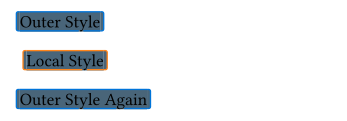
Restore Local Settings
A Deixis block scopes its settings and numbering. After it ends, the outer defaults resume.
Setup Required
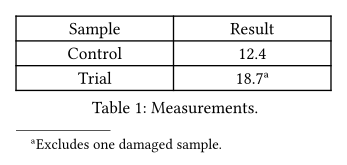
Keep Notes With A Table
One block owns the whole figure and its caption. Its footnotes collect below the object with independent numbering.
Setup Required
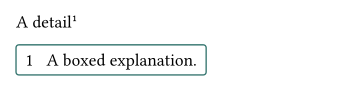
Give A Body A Container
Container options stay with the body. A stacked endnote group delegates to its single-note container.
Setup Required
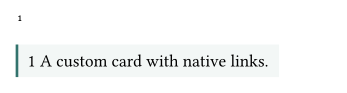
Customize The Body Layout
The marker helper supplies the destination; the content helper retains live spans. Use each once.
Setup Required
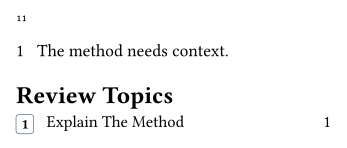
Build A Custom Note List
Author data stays separate from identity and layout. Query records can supply custom catalogues without replaying body content.
Setup Required
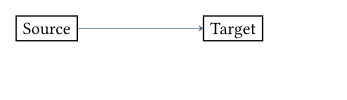
Connect Ordinary Content
Node IDs register bounds where objects are rendered. No detached list of object positions is needed.
Setup Required
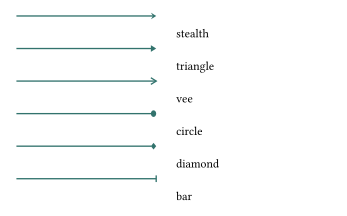
Choose A Native Arrowhead
Head size, fill, stroke and trimming are configurable. Numeric geometry and its painter work without note setup.
No Setup
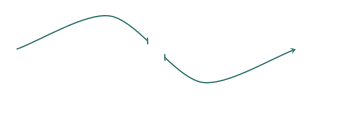
Cut A Curve Without Moving It
Cuts hide intervals on the completed curve. Optional indicators are independent; the remaining pieces retain the original geometry.
No Setup
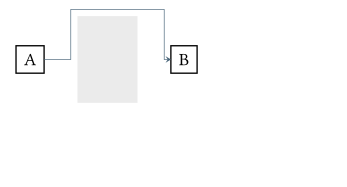
Route Around An Obstacle
The wrapper captures a policy for individually declared connections. Registered nodes stay fixed; the sharp orthogonal route avoids the middle rectangle.
Setup Required
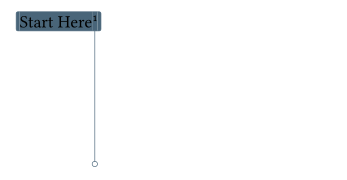
Continue On Another Page
A portal marks each accepted page boundary. The two fragments use each page’s geometry; no line is drawn across the intervening document.
Setup Required
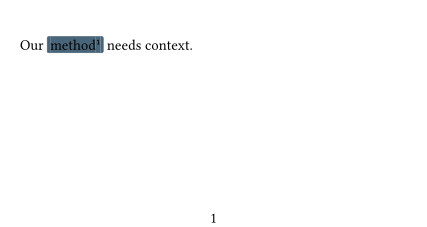
Follow Endnotes In The Header
The header reads complete body spans on its physical page, then gathers all original and reused mark pages. Querying never renders an explanation again. These source page numbers are physical; native page-label formatting is a separate step.
Setup Required
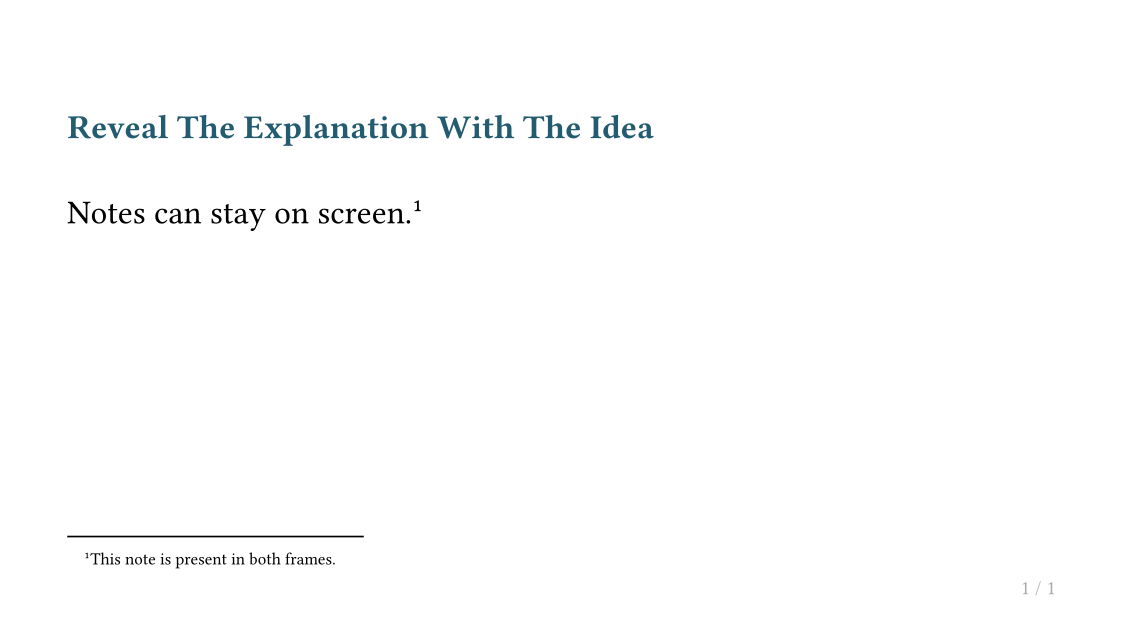
Reveal An Annotation With Its Passage
Touying renders two subslides. The second reveals the region, connector and callout together; hidden declarations retain their semantic ownership.
Setup Required
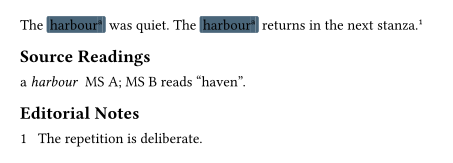
Separate Readings From Commentary
Independent series give source readings and editorial comments their own numbering. A custom renderer adds a lemma; reused passages share one reading.
Setup Required
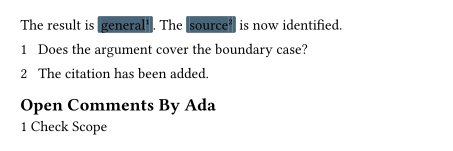
Find Open Review Comments
Author and status are ordinary annotation data. A filtered linked view selects open comments without removing resolved notes from the draft.
Setup Required
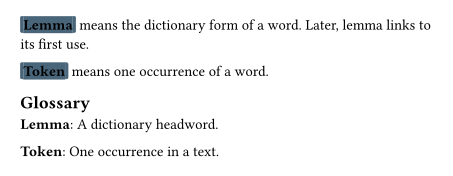
Link Terms To Their First Use
Explicit originals choose the first use. A sorted catalogue displays safe definition summaries without printing or executing their endnote bodies.
Setup Required