The Ambrosia Guide / 0.1.0 PDF Manual ↗
Theme Credits
ambrosia-credit-card() gives interested audience members a project link and
QR code. It is optional; nothing inserts it automatically.
Output
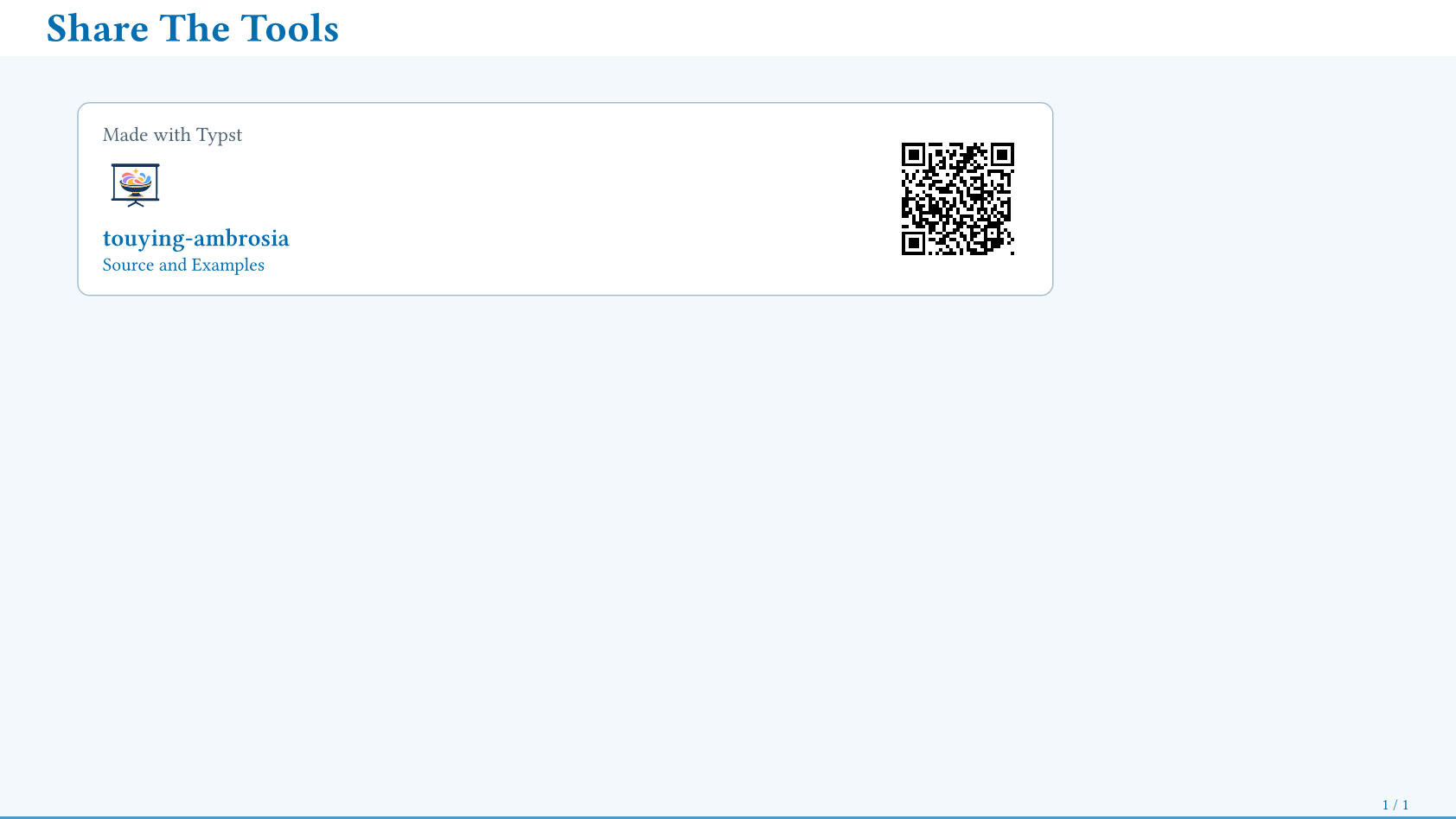
| Option | Default / Meaning |
|---|---|
width | 100% of the containing column. |
qr | true; false hides it, or supply custom content/callback. |
qr-size | 4.5em, including the quiet zone. |
title, link-label | Card heading and link text. |
project | auto uses the configured theme identity. |
The static repository QR needs no network request or generator. Keep it large enough for the viewing distance.
For a wrapper, pass config-store(credit-project: ...) or a local project:
#ambrosia-credit-card(project: (
  name: "My Theme", url: "https://example.org/theme",
  logo: image("theme.svg"),
  qr: image("theme-qr.svg"), // optional; must encode the same URL
))
Only name and url are required. An optional based-on: (name: ..., url: ...)
adds a parent-project link. Resolve wrapper-owned assets in the wrapper.
For acknowledgements, compose ordinary text, logos, or a block. Editable example